guide · coding_for_kids
First steps to introduce kids to coding
The best beginner programs and apps to get your child started, and simple tips to keep them engaged along the way.
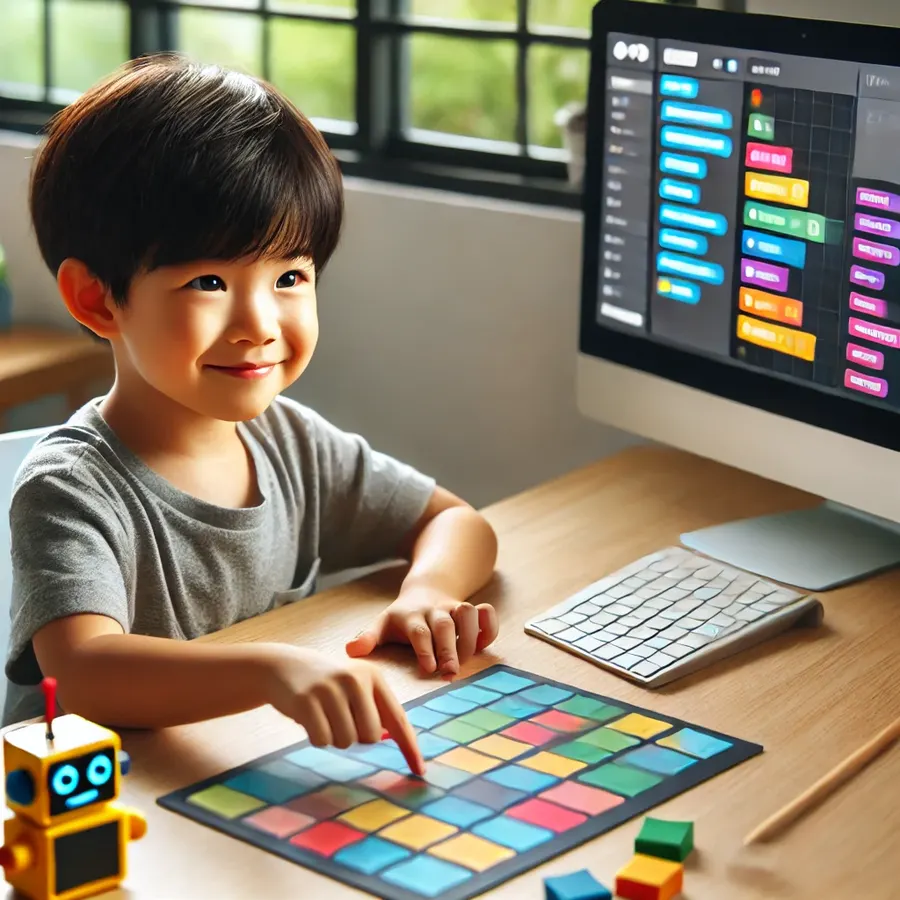
As the digital world continues to expand, coding has become a crucial skill for the next generation. Whether it is for future career opportunities or simply fostering problem-solving and creativity, learning to code can benefit kids in many ways. But where do you start? Introducing coding to children can seem daunting, yet with the right tools and approach it is easier than you think.
Why is coding important for kids?
Before diving into the tools, it helps to understand why coding is such a valuable skill for children:
- Develops problem-solving skills. Coding teaches kids how to break down problems and find logical solutions.
- Encourages creativity. Children create their own games, apps and stories, giving them a creative outlet.
- Prepares them for the future. As technology advances, coding will be a sought-after skill across many industries.
- Builds resilience. Coding involves plenty of trial and error, and pushing through challenges fosters a growth mindset.
Best beginner programs and apps
There are plenty of coding apps available, but which suit beginners best? Here are five highly recommended platforms to kickstart your child's coding education.
ScratchJr
A great first introduction. ScratchJr uses a visual, block-based language so kids create interactive stories and games by dragging and dropping blocks. Children do not even need to read to get started.
Tynker
Courses designed for different age groups. Step-by-step tutorials guide kids through their first games and animations, then progress to more advanced topics like Python and JavaScript.
Code.org
A nonprofit offering free, accessible coding lessons. Interactive games and puzzles gradually introduce concepts, and the "Hour of Code" activities are built for absolute beginners.
Lightbot
A puzzle game that teaches sequences, loops and conditionals. Kids control a robot with commands and learn key programming principles almost without realising it.
Hopscotch
A creative, fun way to learn. Using simple drag-and-drop blocks, kids design their own games, animations and even apps while learning foundational coding principles.
Tips for getting kids interested
- Use interactive games and visuals. Kids are drawn to games. Platforms like Lightbot and ScratchJr use gamification to make coding fun.
- Start with short lessons. For younger children, 10 to 15 minute sessions keep their attention.
- Let them explore at their own pace. Coding is about experimentation. Give them freedom to try, make mistakes and find solutions.
- Bring coding into everyday activities. Encourage simple projects like animations or games using the apps above.
When to move to more advanced coding
As your child grows confident with the basics, you can introduce more advanced tools. The move to text-based languages like Python, JavaScript or HTML and CSS should be gradual. Some platforms make that progression smooth:
- Khan Academy offers free lessons on HTML, CSS and JavaScript, a great next step.
- Udemy and similar platforms provide structured courses for learning programming in more depth.
Advanced languages open up more ambitious projects, from building websites to more complex games.
In summary
Introducing kids to coding does not have to be complicated. Starting with beginner-friendly apps like ScratchJr, Tynker and Code.org lets children begin in a fun, engaging way. Keep lessons short, interactive and tailored to their interests. As confidence grows, move gradually to more advanced tools. Coding prepares kids for the future and builds critical thinking and creativity, skills that benefit them in every area of life.
Prefer a structured class?
Compare coding schools in Singapore that take children from their first block of code all the way to Python.
Find a school